





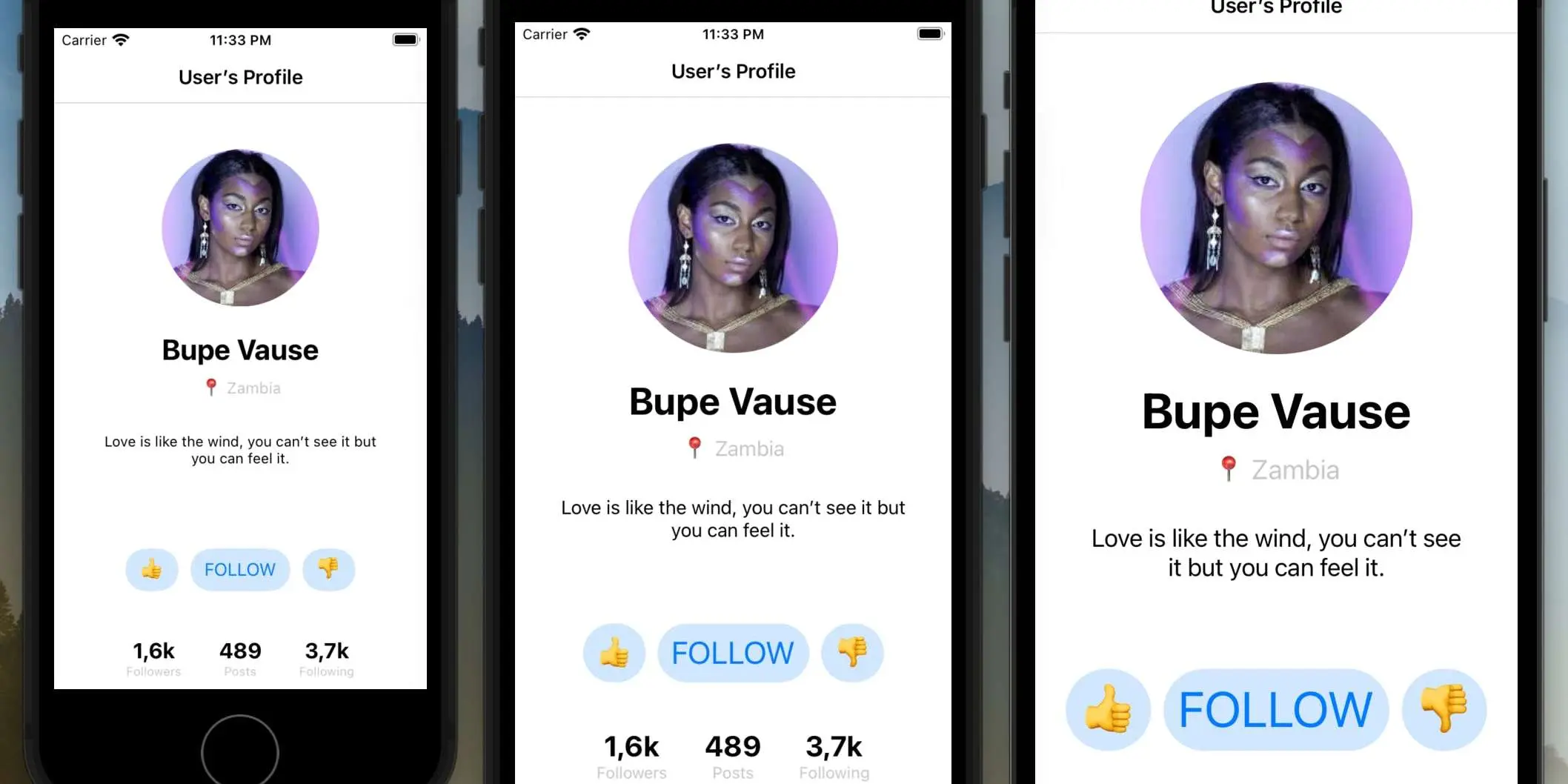
Often the UI of iOS applications is only designed for screens of one size. For example, iPhone X (375x812) or iPhone 13 (390x844), and then iOS developers make designs for screens of other sizes.
With large screens, everything is simple. But placing the design of the iPhone X on the screen of the iPhone SE 2016 (1st gen.) is more difficult, some elements and indents have to be reduced manually.
It's possible to go through the UIView hierarchy and scale (almost) all the constraints.
Article on Hackernoon:
https://hackernoon.com/get-the-same-ui-for-all-iphone-screens-using-nslayoutconstraint-scaling
Implementation on GitHub:


